Dual pane
Two sides, in step
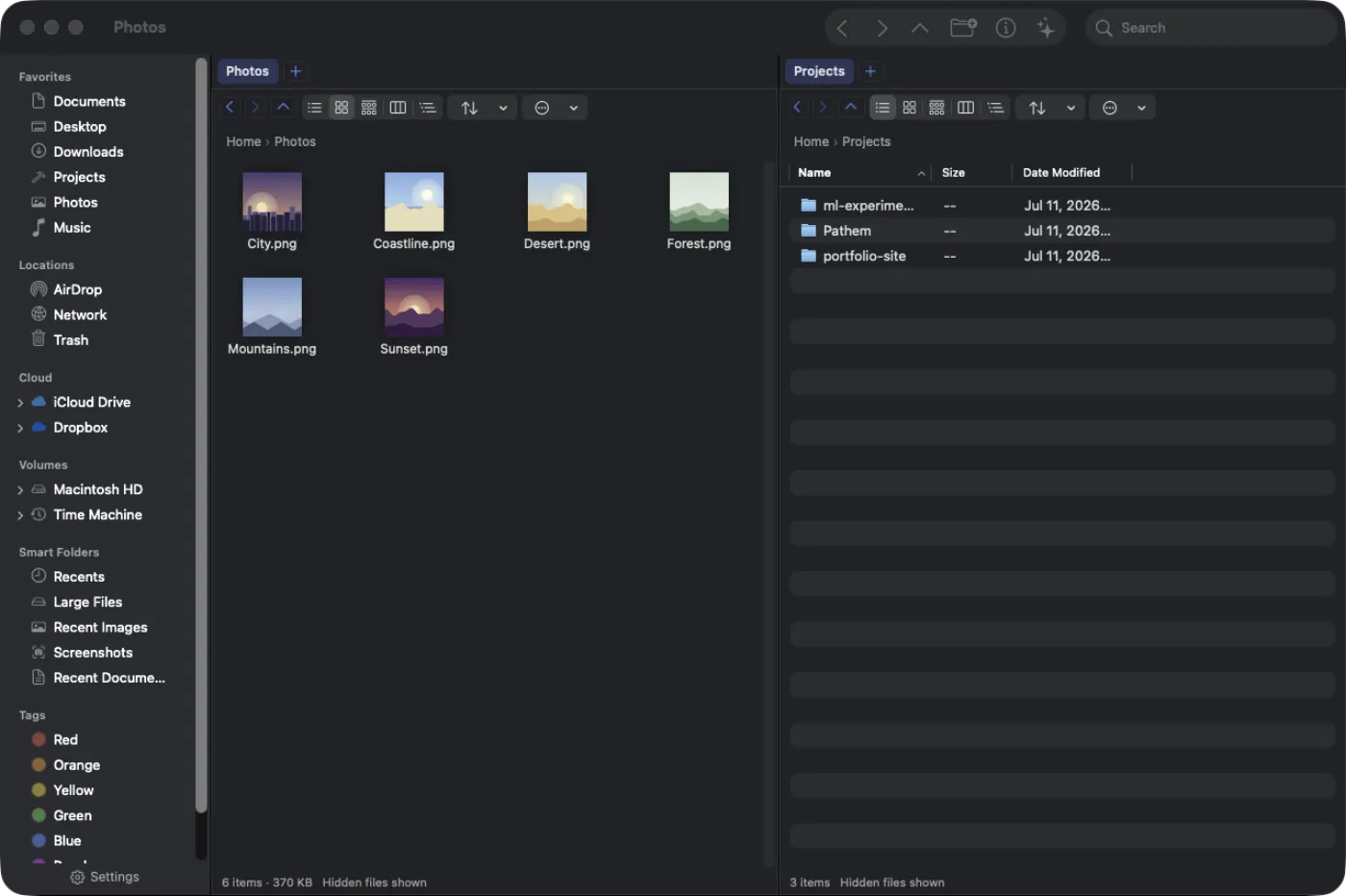
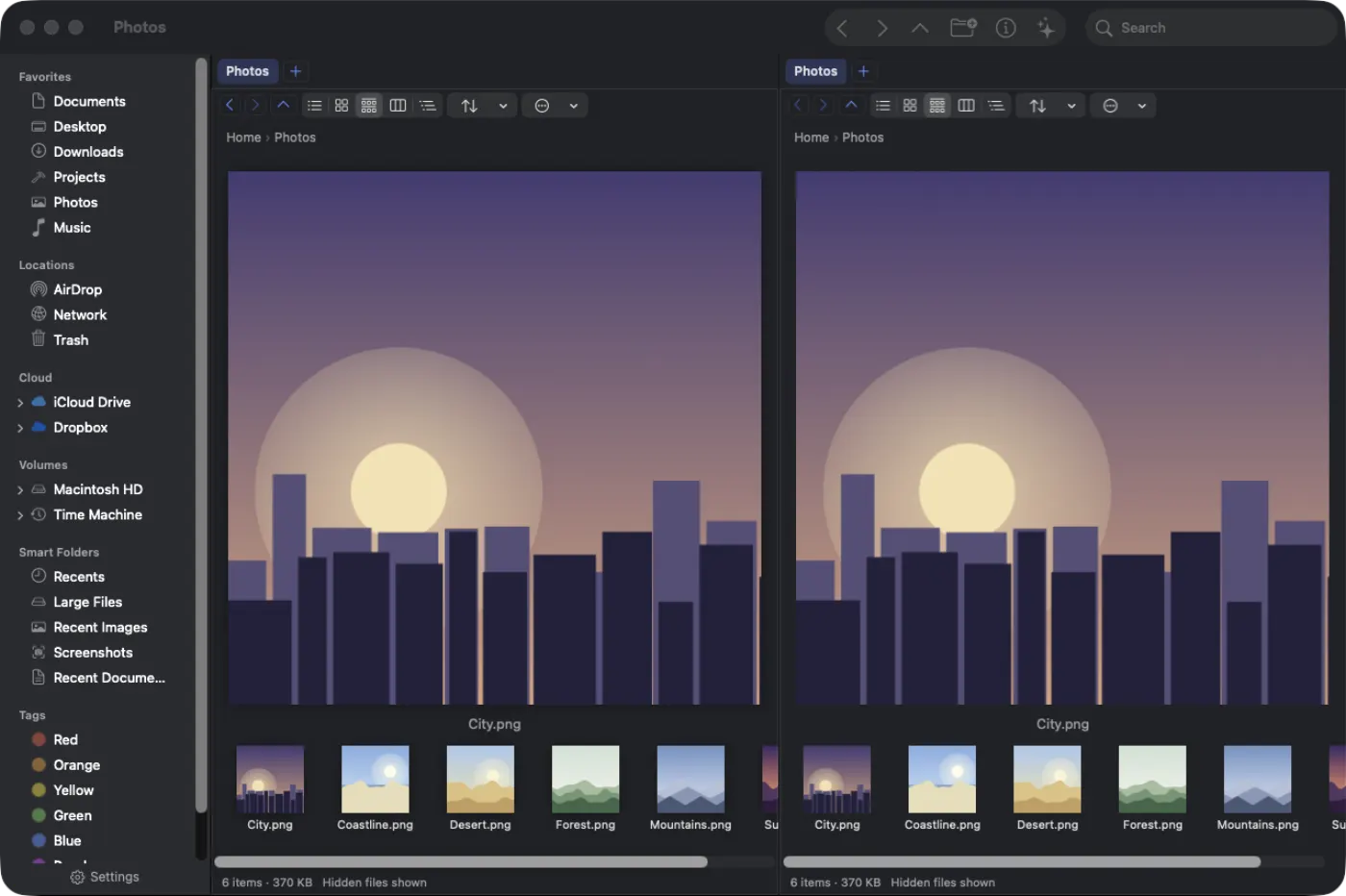
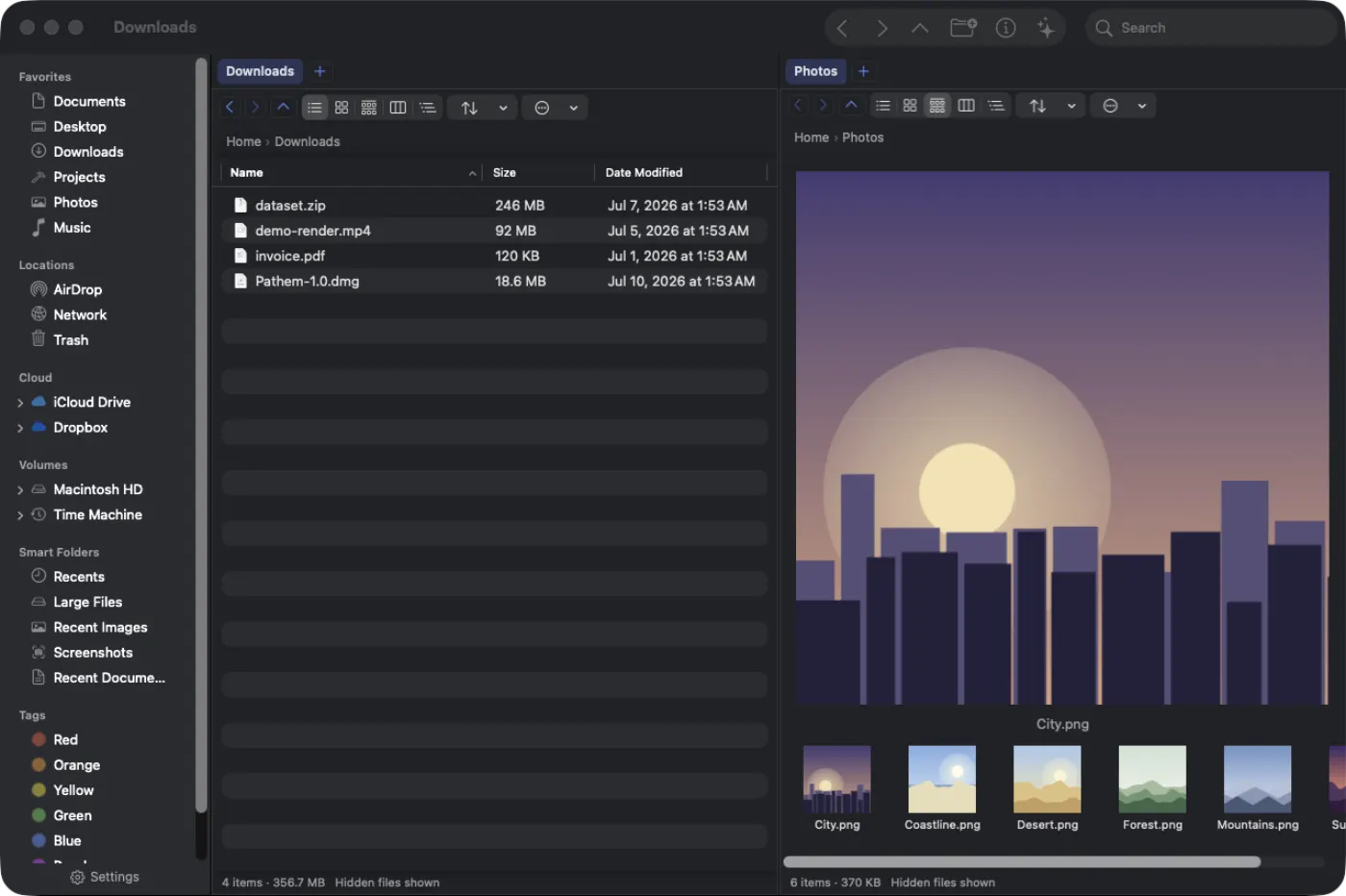
Panes side by side with tabs in each. Copy and move between them with F5 and F6, and synchronized browsing keeps both sides walking the same subfolders.
 Pathem
Pathem is a fast, native, dual-pane file manager for macOS. A Finder alternative for people who want more control, in the spirit of Directory Opus and Path Finder. Written in Swift and AppKit. No Electron.
Press ⌘X and the files dim until you paste them somewhere else; nothing moves until you choose a destination. With the default Ask policy, name clashes prompt you to skip, replace, or keep both for that operation. Supported local operations have ⌘Z undo history.
cut items stay dimmed until you paste · undo history for supported local operations
The controls a power user reaches for, built in and fast, without leaving the keyboard.
Panes side by side with tabs in each. Copy and move between them with F5 and F6, and synchronized browsing keeps both sides walking the same subfolders.
Only the rows on screen are built, so a folder with 100k or even a million items scrolls as smoothly as one with ten.
Press ⌘K and type. One palette over the whole command registry, and a keymap where every binding can be changed, so the app ends up fitting your hands.
Semantic search built on Apple's NaturalLanguage embeddings over file names and text, PDFs included, plus an on-device AI command bar. It runs entirely on your Mac, costs nothing, and the search needs no Apple Intelligence.
Add a magnet link or a .torrent and Pathem downloads it natively: DHT, peer exchange, and encrypted connections, in an out-of-process daemon with a FileZilla-style transfer drawer.
Transfer to S3, Backblaze B2, Google Cloud Storage, Wasabi, Azure Blob, WebDAV, SFTP, and FTP. Browse iCloud, Dropbox, Drive, and OneDrive with per-service badges. Every network backend runs out of process.
An embedded login shell that tracks the active folder. Runs vim, ssh, and REPLs in color, and themes to System, Dracula, Nord, or Solarized.
Modified, staged, and untracked badges right in the file list. Reclaim in Repo separates regenerable build output from the untracked work you would hate to lose.
Colored tags, batch rename, Quick Look on Space, sortable columns, and per-folder saved views and layouts that stick where you set them.
A native BitTorrent client, every remote and cloud backend, an embedded terminal, and Preview-grade PDF markup, all built in. No extra apps.

Add a magnet link or torrent file, then follow downloads, speeds, peers, and seeding in the transfer drawer.

Find network hosts and keep remote connections, cloud folders, and local files within the same dual-pane workspace.

Open an embedded shell below the browser and work in the active directory without switching apps.

Highlight passages, draw shapes, add notes, and sign PDFs, then save your changes from the built-in viewer.
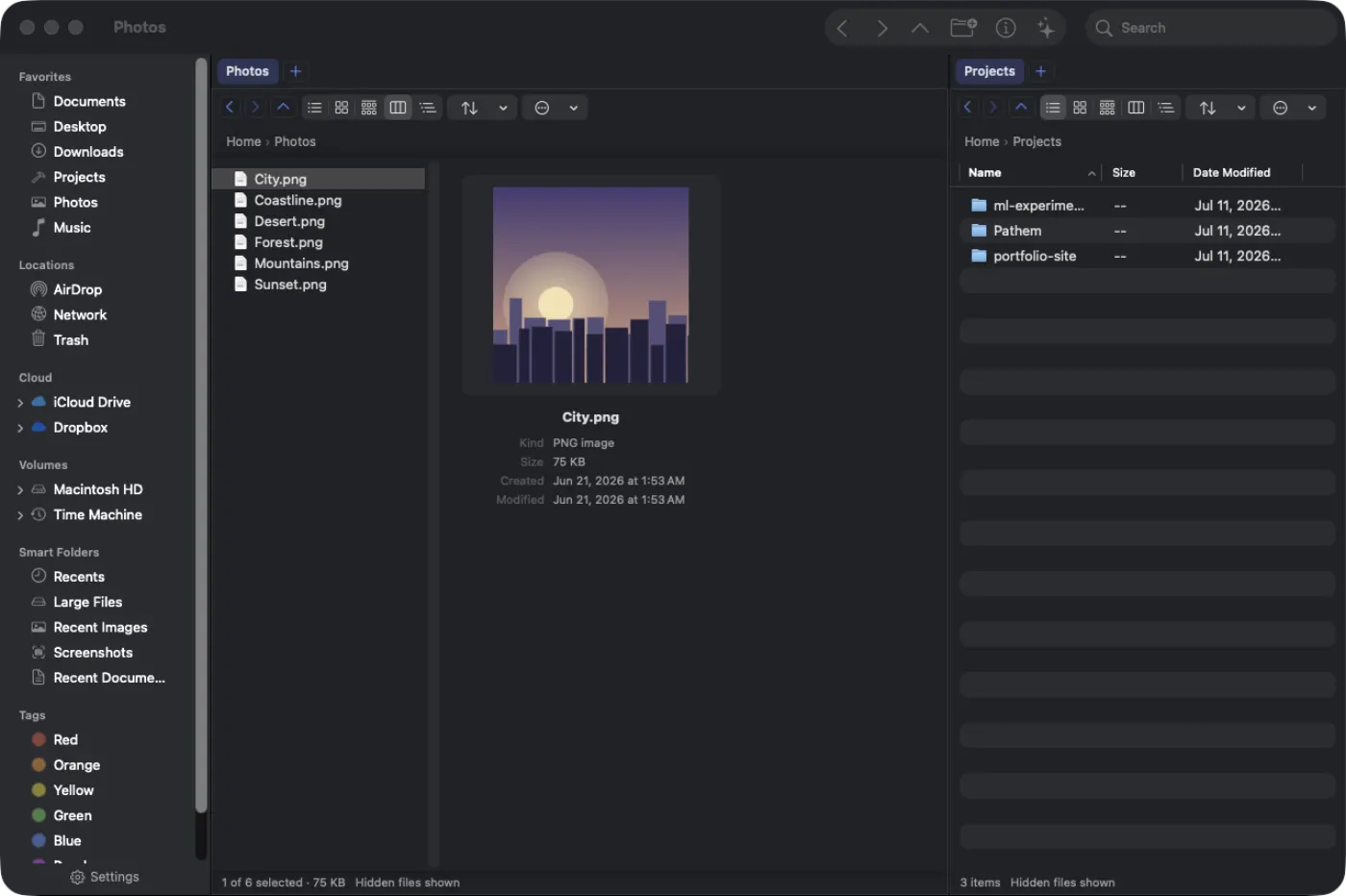
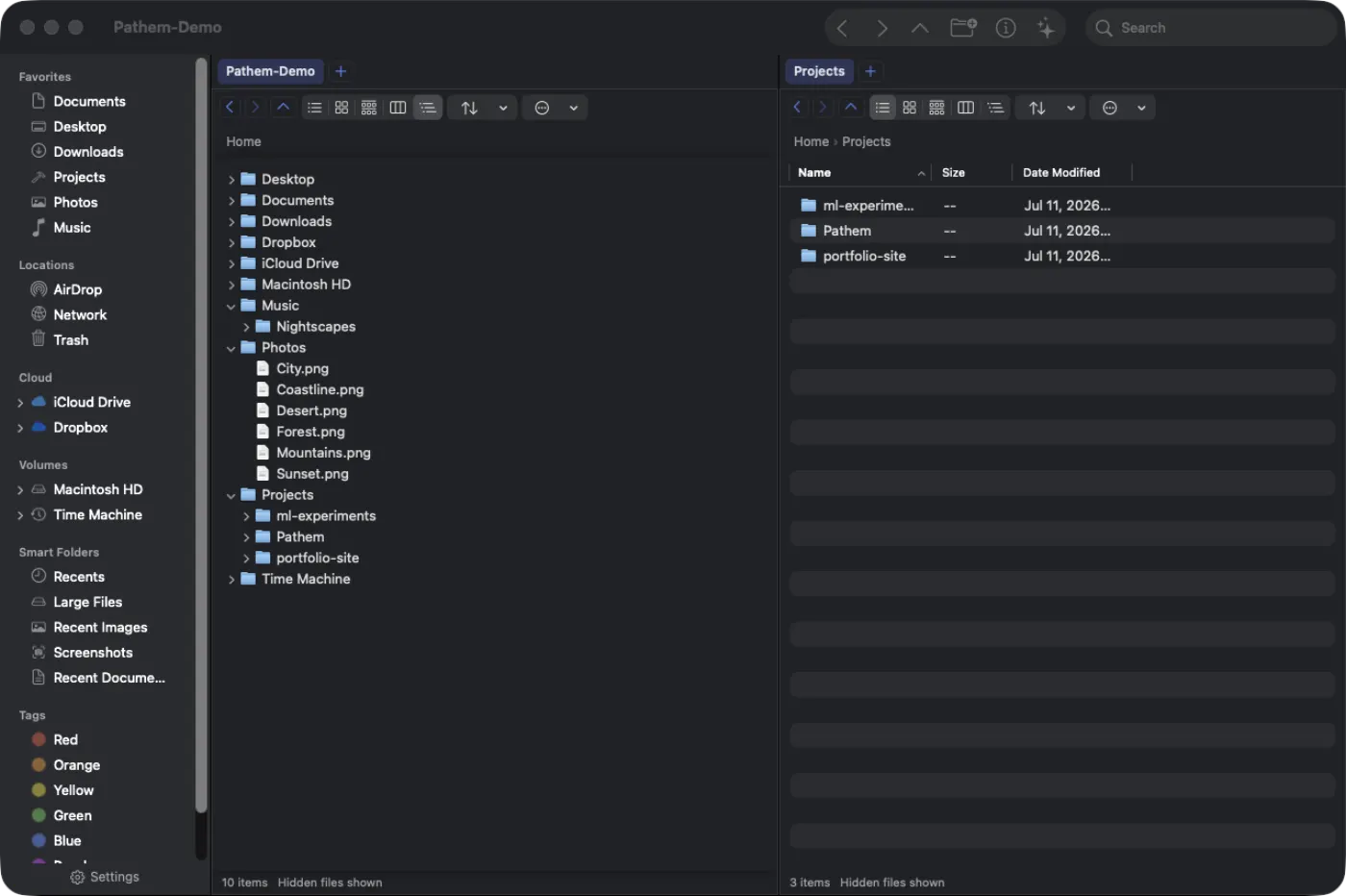
List, Icons, Gallery, Columns, and Tree, on ⌘1 through ⌘5, and each folder remembers how you left it. Flat View flattens a whole subtree into a single list, Directory Opus style.
List. The dense table: sortable columns, inline rename, and a million rows without a stutter.
click a mode above, or use the arrow keys
Learn a task from start to finish, with practical steps, safety checks, and help when the result is not what you expected.
Take a first tour · Copy and move safely · Views and relative dates